
Never lose a customer to a missed message
An AI agent trained on your own business, replying in seconds, in any language, on every channel your customers already use.
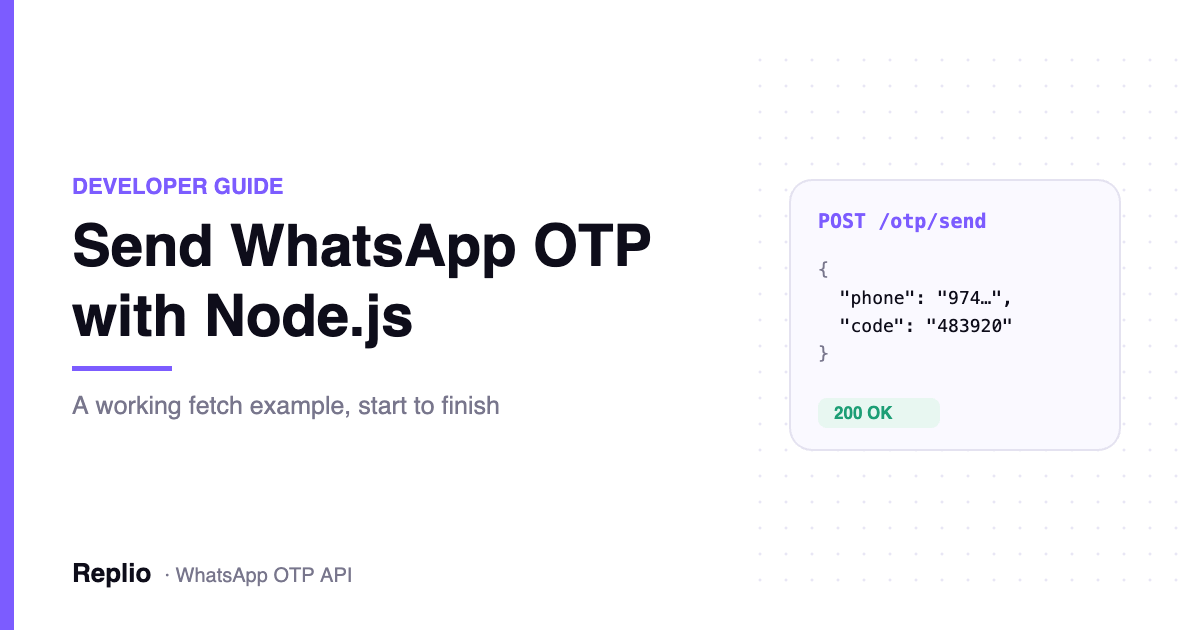
Sending a verification code should be one HTTP call, not a week of WhatsApp Business Platform integration. This guide builds a working WhatsApp OTP API Node.js flow end to end: send the code, verify what the user typed, and handle the failures that actually occur in production.
This guide uses Replio’s WhatsApp OTP endpoint because it is a single JSON POST with no SDK to install. The shape of the flow is the same whichever provider you use, so the structure transfers.
Before you write any Node.js code
Three things need to exist first. A WhatsApp number connected to your provider account. At least one approved Authentication template on the WhatsApp Business Account. An API key.
Keep the key server-side. It sends from your verified business number, so a leaked key means someone else messaging your customers under your brand.
WhatsApp OTP API Node.js: sending the code
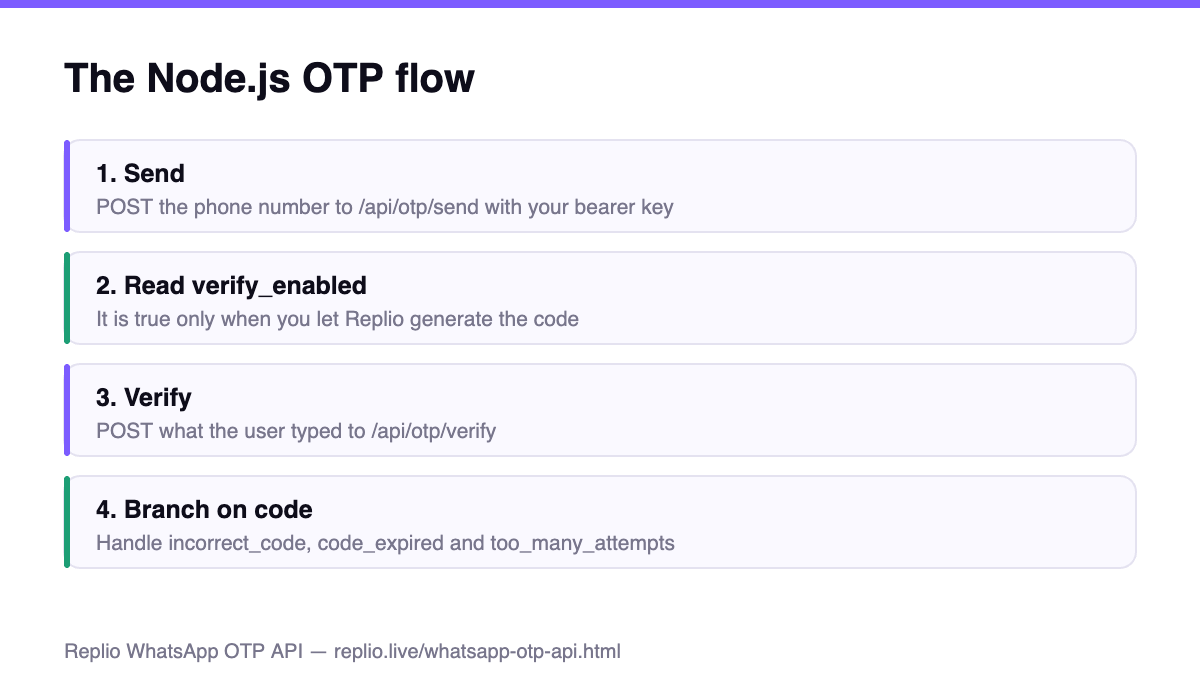
One POST sends the code. You can pass a code you generated yourself, or omit it and let the provider generate, hash and store one for you.
const res = await fetch("https://engine-production-2647.up.railway.app/api/otp/send", {
  method: "POST",
  headers: {
    "Authorization": `Bearer ${process.env.REPLIO_OTP_KEY}`,
    "Content-Type": "application/json"
  },
  body: JSON.stringify({
    phone: "447911123456",
    idempotency_key: `signup-${signupId}`
  })
});

const data = await res.json();
if (!res.ok) throw new Error(data.detail.code);
// data.verify_enabled === true
A success looks like this:
{
  "ok": true,
  "sent_to": "+447911123456",
  "template": "verify_code",
  "credits_charged": 1,
  "verify_enabled": false
}
Read verify_enabled carefully. It is true only when you omitted the code. That flag tells you whether the verify endpoint has anything to check.
Verifying what the user typed back
If you let the provider generate the code, check what the user typed with a second call.
const res = await fetch("https://engine-production-2647.up.railway.app/api/otp/verify", {
  method: "POST",
  headers: {
    "Authorization": `Bearer ${process.env.REPLIO_OTP_KEY}`,
    "Content-Type": "application/json"
  },
  body: JSON.stringify({ phone: "447911123456", code: userInput })
});

if (res.ok) {
  const { verified } = await res.json();
  if (verified) return completeSignup();
}

const { detail } = await res.json();
switch (detail.code) {
  case "incorrect_code":    return show("That code is not right.");
  case "code_expired":      return show("That code expired. Send a new one.");
  case "too_many_attempts": return forceResend();
  default:                  throw new Error(detail.code);
}
A correct code returns { "ok": true, "verified": true }. A wrong or expired one is a normal 400, not a 200 with a false flag. Handle it as an error branch.
One detail trips people up on the first run. The phone number goes in international format as digits. A leading plus sign, spaces and dashes are accepted and stripped, but a local-format number without a country code is rejected as invalid_phone. Normalise before you send, not after the first support ticket.
Note also that only a delivered send costs a credit. Rejected requests, rate limits and test-mode calls are free, so aggressive validation on your side costs you nothing.
Where this fits in your signup flow
Treat the send and the verify as two separate states in your own model, not one blocking call. Send the code, store the signup attempt, and return control to the user. Verify runs later, when they submit the form.
That separation matters when things go wrong. If the verify call fails, you still hold the signup attempt and can offer a resend without losing the user’s progress. If you couple the two, a network blip drops them back to the start.
Rate limits sit on the recipient as well as the account. Five codes to one number per hour, and ten verify attempts per number per ten minutes. Surface a clear message when you hit those rather than a generic failure, because a user who resends four times in a minute will hit them.
Handling the errors that actually happen
Branch on the machine-readable code field, never on the human-readable message. The message wording can change at any time; the codes are the contract.
incorrect_code— wrong digits. Let the user retry.code_expired— past its time to live. Offer a resend.too_many_attempts— five wrong guesses burn the code. Force a new one.recipient_rate_limited— five codes to one number in an hour. Back off.upstream_error— WhatsApp was unreachable. Safe to retry.
Two habits that save you money and credits
Pass an idempotency key. Networks time out after a send has already happened, and a blind retry sends a second code and spends a second credit. With a key tied to the signup attempt, a retry returns the original result instead.
Then build against a test key. A test credential validates the whole request and applies every rule, but sends nothing and bills nothing.
Hardening the flow before launch
Set a short time to live. Five minutes is the common default and it limits the window for a stolen code. Cap wrong guesses. Never log the code itself.
If you are weighing this against your current SMS provider, we compared the two channels in WhatsApp OTP vs SMS. The full parameter list and error table live in the Replio WhatsApp OTP API reference, and Meta documents the template rules in its message template guide. For context on running WhatsApp as a support channel too, see our piece on answering WhatsApp and Instagram without working nights.
Frequently asked questions
Do I need an SDK for Node.js?
No. It is one JSON POST with a bearer token, so your language’s standard HTTP client is enough.
Should I generate the code myself?
Either works. Pass your own code and the provider only delivers it. Omit it and the provider generates one, stores a hash, and gives you a verify endpoint.
How long does a code stay valid?
Five minutes by default, configurable between 60 and 1800 seconds when the provider generates the code.
What if the user never receives it?
Check the error code on the send. If the number has no WhatsApp account the send fails, which is your cue to fall back to SMS.
Is the code stored anywhere?
Replio stores only a sha256 hash of codes it generates, never the code itself. Codes you supply are not stored at all.
Related Guides
- Verify a Phone Number in Python Without Touching SMS
- The PHP Signup Step That Stops Codes Going Missing
Verification your users actually receive.
Send one-time passcodes over WhatsApp with a single API call. Replio can generate, hash and verify the code for you.